01 / 04
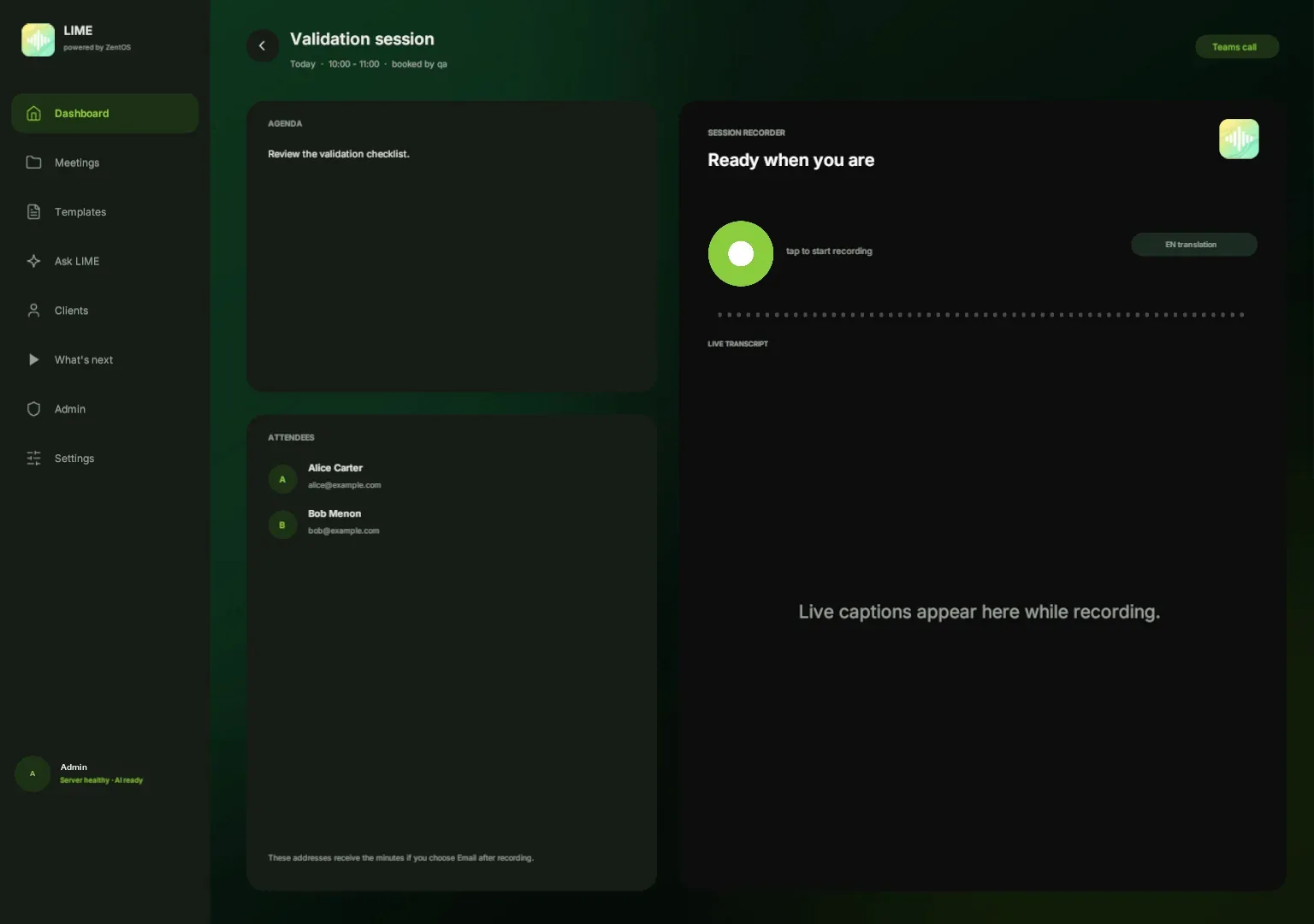
Record, or bring a recording
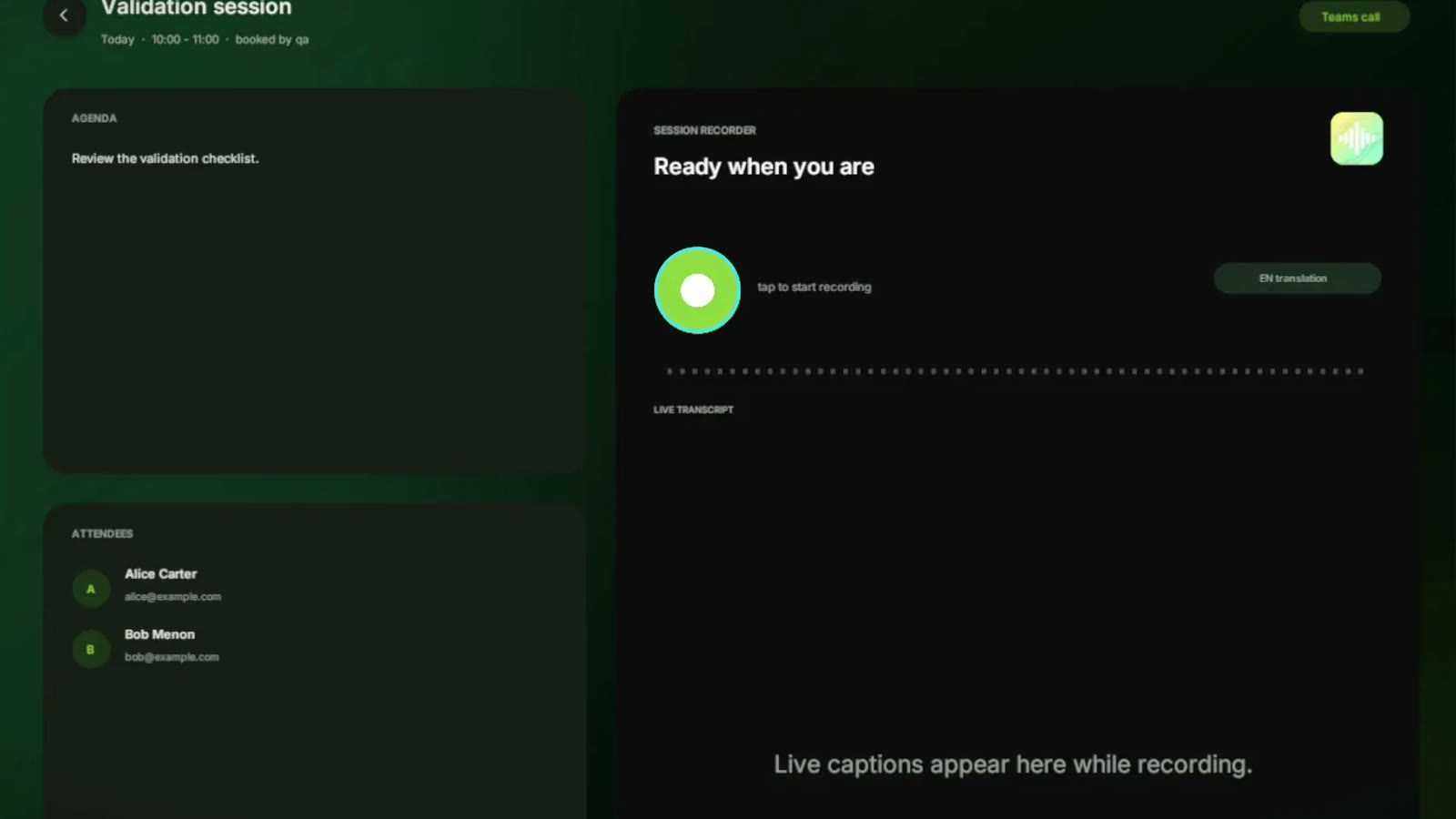
Record on the LIME computer or a phone, or upload an existing recording in any common format. Words appear on screen as people speak.

Every word heard. Every decision delivered.
LIME records the meeting, writes the transcript, works out who said what and delivers organised minutes, all on a computer inside your building. No cloud, and no per-minute fees.
01
From the room to the record.
Record on the LIME computer or a phone, or upload an existing recording in any common format. Words appear on screen as people speak.
A full transcript with every speaker separated. Voices you have named once are recognised next time.
Topics, decisions, actions, risks and key facts as a Word document. Owners and deadlines come only from what was said; a coverage check confirms every part of the meeting is in.
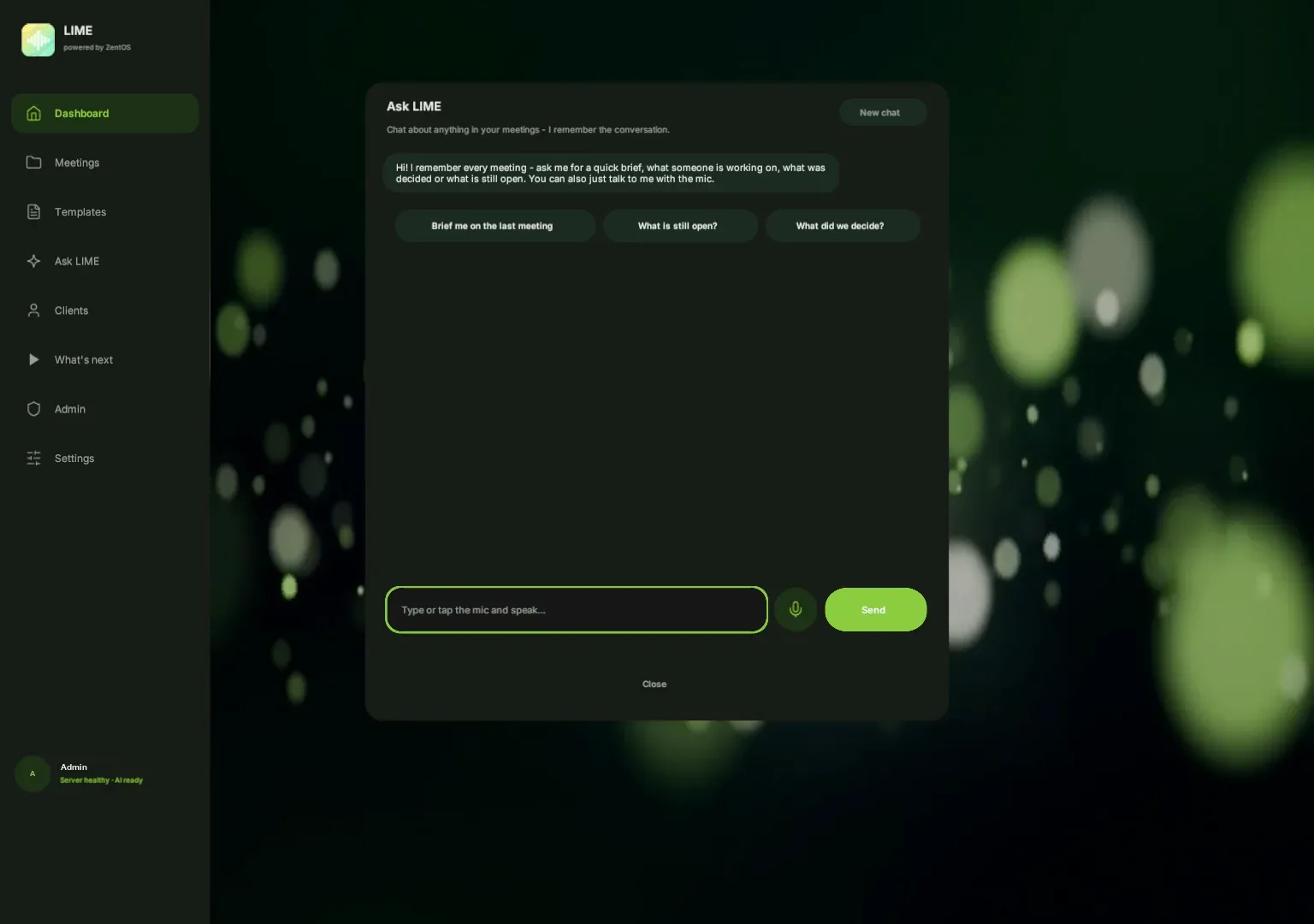
Questions in plain words, typed or spoken: “What did we decide about the budget?” Answers come from your own meetings.
02
LIME records the meeting, works out who said what and delivers organised minutes, on a computer inside your building. No cloud, no per-minute fees, nothing leaves.
0
words to the cloud
Recordings, transcripts and minutes stay on the LIME computer.
∞
users and meetings
One LIME computer, no per-minute or per-seat fees.
2
languages
Arabic and English, detected once per meeting.
1
computer
A Windows PC with a graphics card, or the ready-to-run LIME server.
The AI models run on that computer. No cloud AI, no account at the site, and administrator functions only at the machine itself, behind a PIN.
Voiceprints are encrypted and the audit log is chained, so any change shows.
Minutes come out as a Word document carrying your own brand, and can go straight to the attendees by e-mail.
03
Built for real meetings.
Short and quiet speakers are still found, and lines shared by two people are split where the voice changes.
Long meetings are read in parts, and a coverage check confirms every part is in the minutes.
Minutes come out as a Word document carrying your own brand, ready to send.
The spoken language is detected once per meeting, and Arabic is shown right to left.
Words appear on screen while the meeting runs.
Reach LIME from other PCs, phones and tablets in the office; from outside, people sign in.
With a mailbox set up, minutes can go straight to the attendees.
One LIME computer serves every user and every meeting, with no per-minute fees.
04
From one tap to a question answered, across every meeting.
Start recording and the words appear on screen as people speak. Or upload a recording from any device.
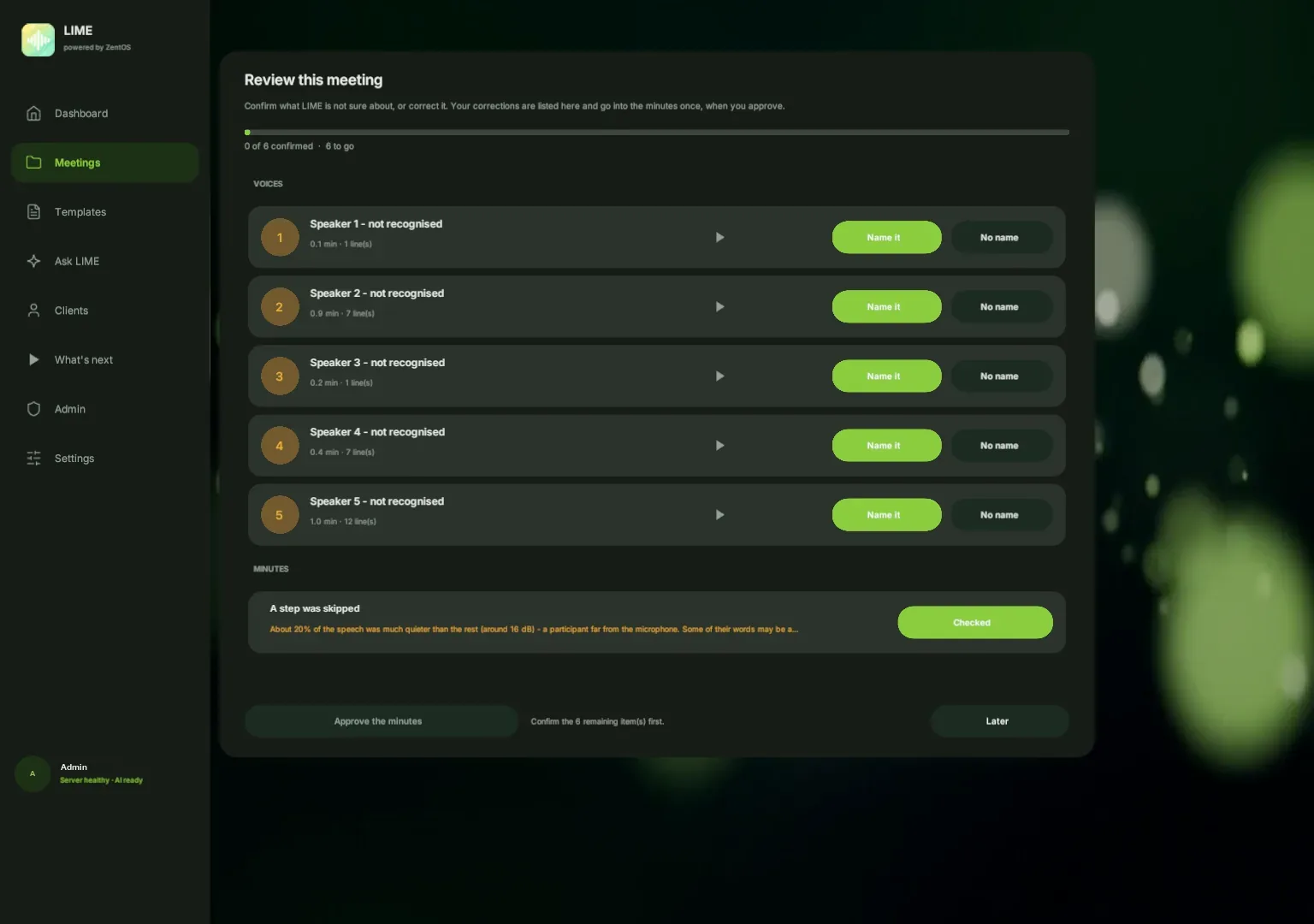
Confirm who is who, and LIME checks that every part of the meeting made it into the minutes. Nothing is guessed.
Questions in plain words, typed or spoken. Answers come from your own meetings.
No. Recordings, transcripts and minutes stay on the LIME computer in your building. Only licence checks, updates and reports you choose to send go out.
No. One LIME computer serves unlimited users and meetings.
A Windows PC with a suitable graphics card is recommended, or the ready-to-run LIME server. It also works on a Mac or without a graphics card, just more slowly.
Yes. From other PCs, phones and tablets on the office network directly, and from outside with a sign-in.
A proper room microphone gives clearly better speaker separation than a distant laptop microphone.
ZentOS comes from Yugen, together with the OTO hardware it runs on. Book a demo and they will set up a time that suits you.